Start your free trial
Tell us who you are, and we email you a personal trial link to choose your apps and build your demo.
- 1 Ask
- 2 Email link
- 3 Your logo
- 4 Your system
You are on step 1. Next: you open the link we email you, check the apps you picked, and upload your logo.
How your trial works
-
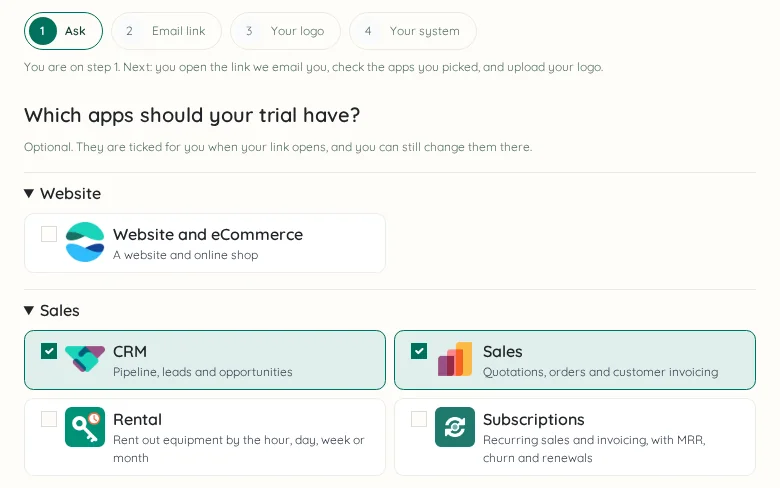
Ask for your trial
Pick the apps you want to see and tell us who you are. It takes a minute.
-
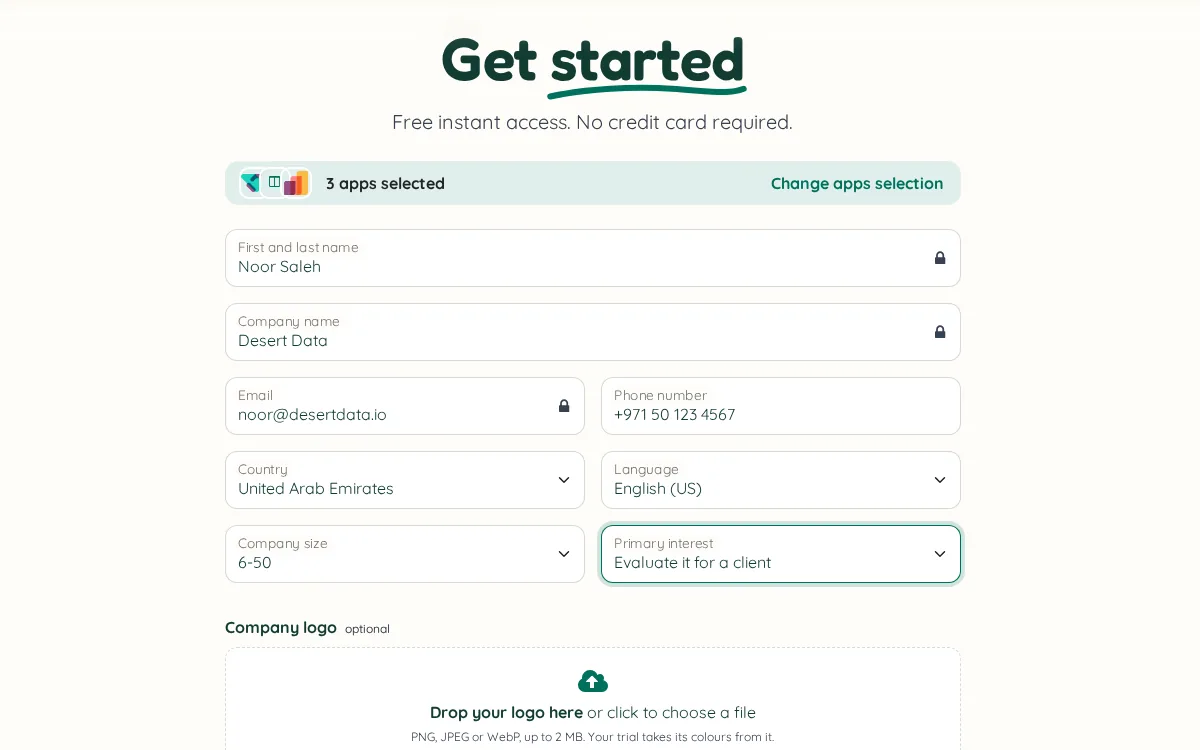
Open the link we email you
It arrives right away. Your details are already filled in and your apps already ticked.
-
Add your logo
We take its colours and theme the whole system with them. No logo? Your initials work too.
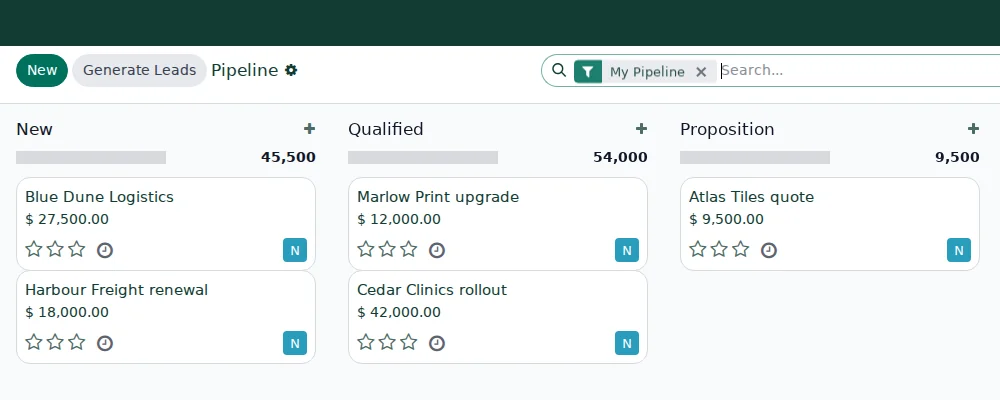
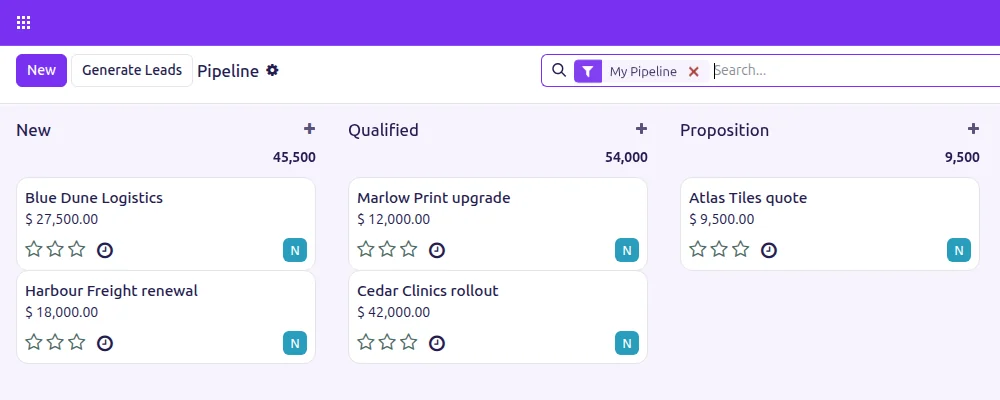
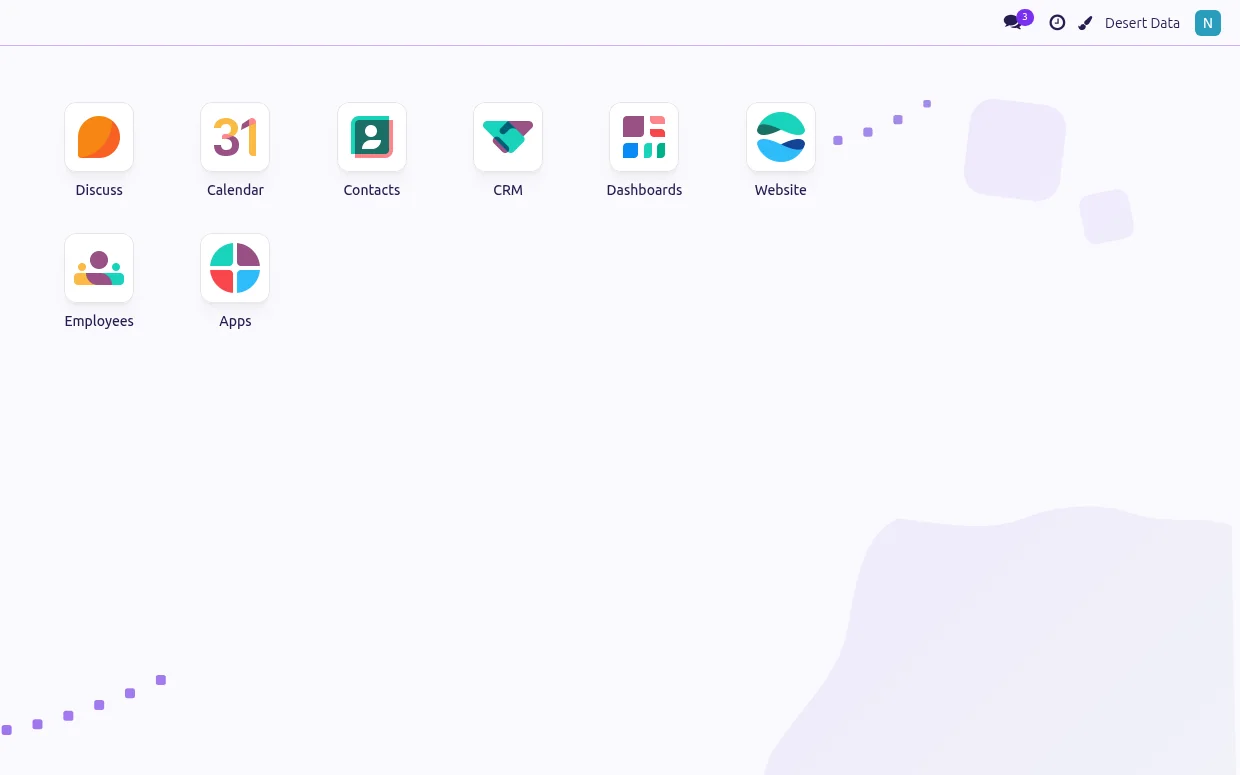
Drag to compare: the default look, and the same screen built from a logo. -
Watch it being built
Your system is built while you watch, and you are signed straight in.